

Have you ever wanted a quick way to tell if your relay is working? A built-in LED indicator gives you instant feedback. You can see the relay status at a glance, so you don't waste time guessing. This simple feature helps you spot problems fast. It makes troubleshooting easier and keeps your project running smoothly.
With an LED indicator, relay checks become straightforward and stress-free.
Key Takeaways
A built-in LED indicator shows you the relay status right away. This saves you time and work when you are fixing problems. The LED gives you a visual clue to spot issues fast. This lets you repair things quicker and feel sure about your wiring. Relays with LED indicators make things safer by showing when voltage is there. This helps you stay away from electrical dangers. In cars and factories, LED indicators make fixing things easier. They also help stop expensive mistakes. Pick relays with bright LEDs and clear labels for easy setup. This also helps your projects work well and last longer.
How the Built-in LED Indicator Works
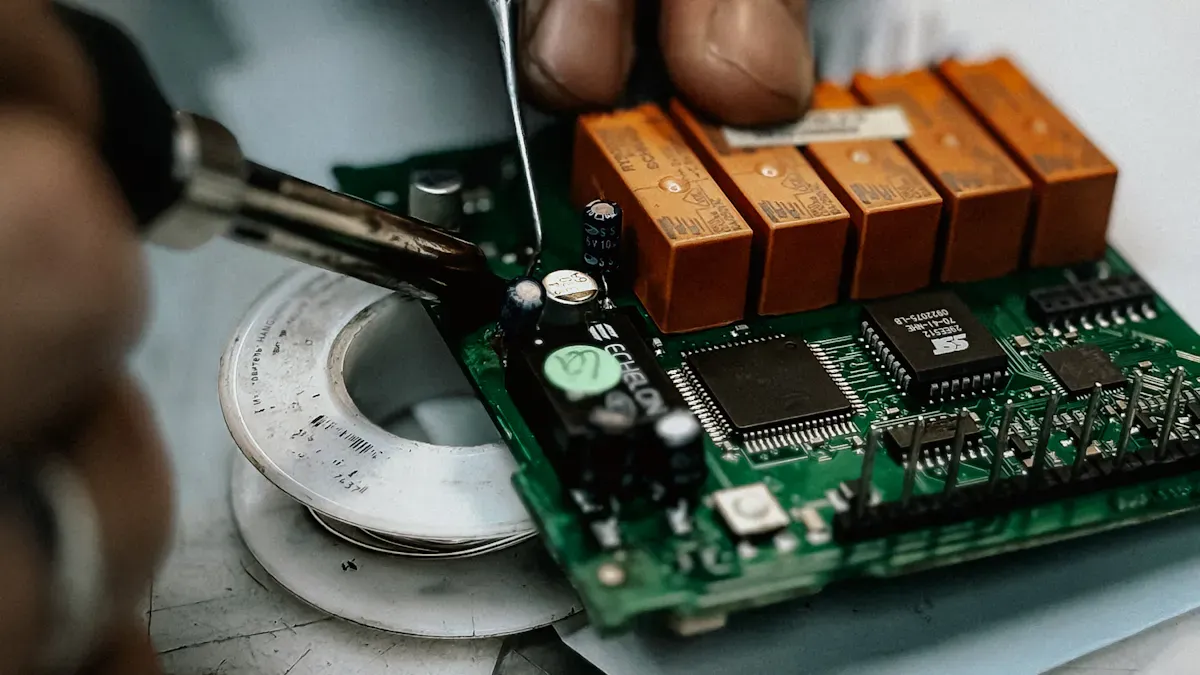
LED Activation Mechanism
You might wonder how a built-in LED indicator actually works. The answer is simple. When you power up the relay, electricity flows through its coil. This action closes the relay's contacts. At the same time, the built-in LED indicator lights up. The LED connects directly to the relay's coil circuit. So, when the relay gets energized, the LED turns on. You do not need to guess if the relay is working. The light tells you right away.
Let's break it down:
You apply voltage to the relay.
The relay coil gets energized.
The built-in LED indicator lights up.
This process happens instantly. You do not need any extra tools or meters. The LED gives you a clear sign that the relay is active.
Tip: If you see the LED off, check your wiring or power supply first. The problem might be simple.
Visual Status Feedback
The best part about a built-in LED indicator is the visual feedback. You can look at the relay and know its status in seconds. No need to touch wires or use a multimeter. The LED glows when the relay works. If the LED stays dark, the relay is not energized.
This visual cue makes your work easier. You save time during setup and repairs. You also avoid mistakes. In a busy workshop or garage, a quick glance at the LED can prevent confusion.
Fast checks mean less downtime.
You spot problems before they get bigger.
You feel more confident about your wiring.
A built-in LED indicator keeps things simple and reliable. You get peace of mind, knowing you can trust what you see.
Benefits of Built-in LED Indicators
Fast Troubleshooting
You want to fix problems quickly. A built-in LED indicator helps you do that. When you look at the relay, you see right away if it is working. You do not need to grab a multimeter or spend time testing wires. The LED lights up when the relay is energized. If the light flickers, you know there might be unstable switching or arcing. This instant feedback saves you time and keeps your project moving.
Immediate visual feedback shows relay status.
Flickering lights warn you about switching issues.
Quick identification of problems reduces troubleshooting time.
You can spot issues before they get worse. In industrial environments, this feature makes relay checks fast and easy. You spend less time searching for faults and more time fixing them.
Tip: If you see the LED flicker, check for loose connections or worn contacts. You can solve the problem before it causes downtime.
Maintenance Made Easy
You do not want to waste time during maintenance. The built-in LED indicator gives you a clear sign of relay activity. You see if the relay is active or inactive. This visual confirmation helps you avoid wiring mistakes. You know exactly when the relay is energized, so you do not make errors during installation or repairs.
The switch shows its status with a simple light.
Visual feedback helps you avoid mistakes.
You do not need extra tools to check relay operation.
In automotive and industrial settings, you can finish maintenance tasks faster. You do not guess or double-check your work. The LED makes your job easier and more reliable.
Note: When you install a relay, watch the LED. If it does not light up, check your wiring. You can fix errors right away.
Enhanced Safety
Safety matters in every project. The built-in LED indicator helps you stay safe. In industrial settings, the LED lets you monitor equipment status. You see errors or malfunctions as soon as they happen. This quick communication keeps you and your team safe. The LED shows when voltage is present, so you avoid electrical hazards during maintenance.
Built-in LED indicators act as visual cues. You know when hazardous voltage conditions exist. You can wait until the LED turns off before touching wires. This simple feature protects you from shocks and accidents. Voltage indicators are permanent devices. They help you during lockout/tagout tasks. You work faster and safer because you see the voltage status right away.
Callout: Always check the LED before starting maintenance. You protect yourself and others from electrical risks.
You get more than just convenience. You get peace of mind. The built-in LED indicator keeps your workspace safe and efficient.
Practical Applications

Automotive Uses
You use relays in cars every day, even if you do not notice them. When you turn on your headlights or use your turn signals, relays help control the power. A built-in LED indicator makes it easy to see if these relays work right. You do not need to guess if a relay failed. The LED lights up when the relay gets power. If the LED stays off, you know something is wrong.
If a turn signal bulb burns out, the warning LED does not light up. You spot the problem before you hit the road.
The indicator helps you check for wiring issues fast. You do not need to take things apart.
You stay safe because you catch problems early. You also save time during repairs. The LED shows you what works and what does not.
Tip: Always check the LED before replacing parts. You might find a simple fix.
Industrial and DIY Projects
You see relays in factories, smart homes, and even your own DIY projects. The built-in LED indicator helps you monitor your system in real time. You know right away if a relay switches on or off. This feedback keeps your machines running and your projects safe.
In home automation, smart lights use LEDs to show alerts. For example:
The light flashes if motion sensors detect movement.
The LED changes color if your security system triggers.
You get instant notifications. You do not miss important events. In DIY projects, the LED warns you if something goes wrong.
If a lamp fails, the LED stays off. You know to check the wiring or replace the bulb.
The LED helps you avoid mistakes during setup.
You prevent errors before they cause bigger problems. You also feel more confident when you build or repair things.
Note: Real-time feedback from the LED keeps your projects safe and reliable.
Tips for Choosing and Using Relays
Installation Advice
You want your relay to work right the first time. Start by reading the instructions that come with your relay. Make sure you connect the wires to the correct terminals. Use a screwdriver that fits well. Tighten each screw, but do not overtighten. Good connections help the relay and the built-in LED indicator work as they should.
Check your power supply before you start. Use the right voltage for your relay. If you use the wrong voltage, the relay might not switch, or the LED might not light up. Always turn off the power before you touch any wires. This keeps you safe.
Tip: Label your wires before you connect them. This makes future checks and repairs much easier.
Compatibility Checks
Not all relays work with every system. You need to check a few things before you buy. Some relays look electronic but use standard parts inside. Make sure you wire and ground them well to avoid problems with the indicator lamp. Sometimes, a faulty flasher unit can cause the LED to act strange. If this happens, you might need to return or exchange the unit.
You may need to change the flasher can if you switch to LED dash indicators. An adjustable flasher can helps with compatibility. If you connect the dash indicator light and the relay stops blinking, check if the relay and indicator light work together.
|
Issue Description |
Resolution/Comment |
|---|---|
|
The electronic relay is not truly electronic; it consists of standard relays on a circuit board. |
Ensure proper wiring and grounding to avoid indicator lamp problems. |
|
A faulty flasher unit can cause issues with LED indicators. |
Consider returning or exchanging faulty units. |
|
Replacing dash indicators with LEDs required changing the flasher can. |
Use an adjustable flasher can for compatibility. |
|
Connecting the dash indicator light caused the relay to stop blinking. |
Check for compatibility issues with the relay and indicator light. |
What to Look For
When you shop for a relay, look for clear markings on the case. These markings show you the voltage and current ratings. Pick a relay that matches your project's needs. Choose one with a bright, easy-to-see LED. This helps you check the relay's status, even in low light.
You may want a relay with a snap-in base or screw terminals for easy installation. Some relays come with extra features, like surge protection or a test button. These features can make your work easier and safer.
Note: Always choose a relay from a trusted brand. Good quality means fewer problems and longer life.
You can check relays easily with built-in LED indicators. These LEDs show you problems right away. You can fix mistakes before they get worse. Experts say LEDs make relays work better. You can see if your system is working, even in tough places. More companies use smart automation now. Relays with LED indicators are becoming very popular.
|
Pro Tips for Your Next Project |
Why It Matters |
|---|---|
|
Use zero-cross switching relays |
Good for hard-to-reach places |
|
Check inrush current |
Stops relay from breaking |
|
Follow a 4-step selection plan |
Helps you pick the right one |
|
Pick relays for smart lighting |
Makes less electrical noise |
Try relays with built-in LEDs for your next project. You will save time and work better!
FAQ
How do I know if my relay's LED indicator is working?
You can check the LED. If it lights up when you power the relay, it works. If the LED stays off, you should check your wiring or power supply.
Can I use relays with built-in LEDs in outdoor projects?
Yes, you can use them outside. Make sure you pick relays with weatherproof cases. Look for IP ratings to keep moisture and dust away.
Do LED indicators drain a lot of power?
No, LED indicators use very little power. You won't notice a big difference in your system's energy use. They help you monitor without wasting electricity.
What should I do if the LED flickers?
Flickering means there might be a loose connection or worn contacts.
Check your wiring first. If the problem continues, you may need to replace the relay.
Are relays with built-in LEDs hard to install?
|
Step |
What to Do |
|---|---|
|
1 |
Read the instructions. |
|
2 |
Connect wires to the right terminals. |
|
3 |
Tighten screws. |
|
4 |
Test the LED. |
You can install them easily if you follow these steps.