


When you have problems with solid-state relays, start with some main steps. First, check if the input voltage is right for the solid-state relay. Then, look at the relays for any signs of getting too hot or being broken. Make sure you put the relays in the right way and check every wire connection. Doing things step by step helps you find problems fast and keeps your solid-state relays working well. Use these tips to fix problems quickly and to make your solid-state relays last longer.
Key Takeaways
- Always look at the input voltage and control signals first. This helps make sure your solid-state relay works right. - Make sure your relay matches the load. Use the correct wiring to stop damage and keep things safe. - Look for signs of overheating or damage. Change relays if you see these problems. - Test relays often with a multimeter or a simple test circuit. This helps you find problems early. - Put in relays carefully, control heat, and check your system often. This helps your relays last longer.
Solid-State Relays: Power and Input
When you troubleshoot solid-state relays, you should always start by checking the power and input side. This step helps you find many common problems before you move on to more complex checks. Solid-state relays need the right signals and connections to work well.
Verify Input Voltage
You must confirm that the input voltage matches the specifications for your solid-state relay. If the voltage is too low, the relay may not switch at all. If the voltage is too high, you might damage the relay. Always use a multimeter to measure the voltage at the input terminals. Compare your reading to the values in the relay's datasheet.
Tip: Write down the voltage you measure. This record helps you track changes if you need to troubleshoot again later.
Check Control Signals
Solid-state relays rely on clean and steady control signals. If the signal is weak or noisy, the relay may not turn on or off as expected. You should check the source of the control signal. Make sure it is stable and within the correct range. If you use a controller or switch, test it to see if it sends the right signal every time.
- Look for flickering or unstable lights on indicator LEDs.
- Listen for any buzzing or clicking, which can mean a problem with the control signal.
Inspect Input Wiring
Loose or damaged wires can stop solid-state relays from working. You should inspect all input wiring for tight connections and signs of wear. Tug gently on each wire to make sure it is secure. Replace any wires that look frayed or broken. Good wiring keeps your relays safe and reliable. Solid-state relays work best when you follow these steps. Careful checks on the input side can prevent bigger problems later.
Load and Ratings
Confirm Load Compatibility
You need to make sure your load matches the ratings of your solid-state relays. Each relay works best with certain types of loads, such as resistive or inductive. If you connect a load that draws more current than the relay can handle, you risk damage. Always check the datasheet for the maximum current and voltage. Using the wrong load can cause problems like solid state relay overcurrent or solid state relay overvoltage. These issues may lead to failure or even fire.
Tip: Make a table of your loads and compare them to the relay ratings before installation. This step helps you avoid costly mistakes.
| Load Type | Max Current | Max Voltage |
|---|---|---|
| Heater | 10A | 240V |
| Motor | 8A | 120V |
Check Load Wiring
Wiring plays a big role in how well your relays work. Loose or thin wires can cause voltage drops and heat. You should inspect all connections for tightness and signs of wear. Use wires that match the current rating of your solid-state relay. If you see melted insulation or dark spots, replace the wires right away. Good wiring keeps your system safe and helps prevent solid state relay leakage current.
- Check for frayed or broken wires.
- Make sure all terminals are tight.
- Use the correct wire gauge for your load.
Ensure Correct Relay Sizing
Choosing the right size for your solid-state relays is important. If you pick a relay that is too small, it may overheat or fail quickly. Oversized relays can waste energy and cost more. Always select a relay with a current rating at least 25% higher than your load's normal current. This extra margin helps protect against spikes and keeps your relays working longer.
Remember, using the right size relay helps prevent both solid state relay overcurrent and solid state relay overvoltage problems.
Solid-state relays work best when you match them to the right load and use proper wiring. Careful planning and regular checks keep your system running safely.
Overheating and Damage
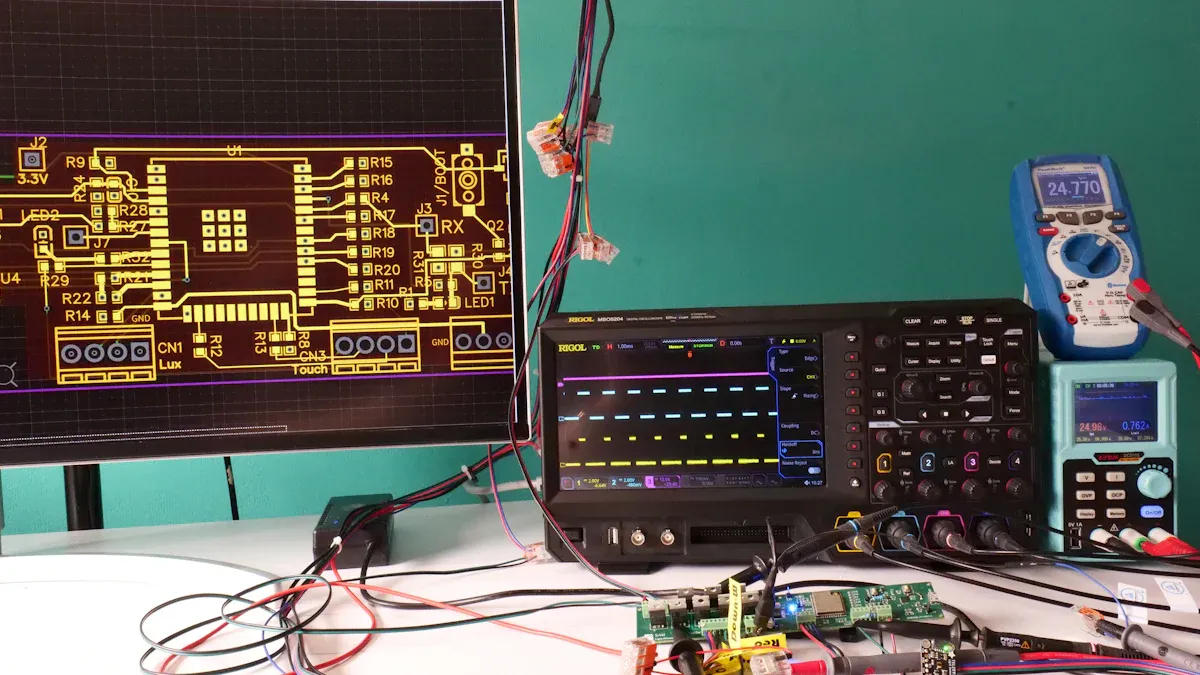
Solid-state relays can fail if they get too hot or suffer physical damage. You need to check for signs of trouble to keep your system safe and working well.
Spot Discoloration or Burns
Look closely at your relays. If you see dark spots, yellowing, or burn marks, you may have a problem with solid state relay overheating.
These marks often show up near the terminals or on the relay case. Discoloration means the relay has gotten too hot in the past. Burn marks can signal that the relay has already failed or is about to fail. You should replace any relay that shows these signs.
Tip: Use a flashlight to check for small burn marks or melted plastic. Even small signs can mean big problems.
Assess Heat Dissipation
Solid-state relays need good heat management. If you do not use a heat sink or proper ventilation, you risk solid state relay overheating. Place your relays in a spot where air can flow around them. Make sure you use a heat sink if the datasheet recommends it. You can also add a small fan to help move air. Good heat dissipation keeps your relays cool and working longer.
- Check that heat sinks are tight and free of dust.
- Make sure nothing blocks airflow around the relay.
Check for Physical Damage
Physical damage can cause solid-state relays to fail. Cracks, chips, or broken terminals are clear warning signs. If you drop a relay or see any damage, do not use it. Solid state relay overheating can also make the plastic case brittle or warped. Always inspect your relays before you install them.
Note: Damaged relays can cause fires or other safety hazards. Replace them right away.
You can prevent most problems by checking for overheating and damage. Careful inspection helps you avoid solid state relay overheating and keeps your system safe.
Testing Solid-State Relays

You can check if your solid-state relays work by using a few simple tools. Testing solid-state relays helps you find problems before they cause bigger issues in your system. Follow these steps to test your relays safely and correctly.
Use a Multimeter
A multimeter is a handy tool for testing solid-state relays. First, turn off the power to your relay. Set your multimeter to the continuity or resistance mode. Place the probes on the output terminals of the relay. When the relay is off, you should see no continuity.
When you apply the control voltage, the relay should switch on. You may see a small voltage drop across the output. This is normal for solid-state devices.
Tip: If you see continuity when the relay is off, or no change when you turn it on, the relay may be bad.
Build a Test Circuit
You can build a simple test circuit to check your relays. Use a low-voltage power supply for safety. Connect the relay input to the control voltage. Attach a small lamp or LED to the output side. When you turn on the control voltage, the lamp or LED should light up. This shows the relay is switching as it should.
Interpret Results
You need to know how to tell if a solid state relay is bad. If the relay does not switch, or if the lamp stays on or off, the relay may have failed. Check for a voltage drop across the output when the relay is on. A very high voltage drop can mean the relay is damaged.
If you see strange results, try another relay to confirm your findings. Testing solid-state relays with a multimeter and a test circuit gives you clear answers. You can spot problems early and keep your system running smoothly.
Solid State Relay Troubleshooting: Common Issues
Solid state relay troubleshooting helps you fix problems fast. You can find many issues by looking for common signs. Each problem has its own clues and ways to fix it. Use this guide to solve the most common solid-state relay issues.
Not Switching
Sometimes, your relay does not turn on or off. This often means the solid state relay is not working right. You might see the load does not get power. The indicator light may also stay off. Possible Causes:
- Input voltage is too low or missing.
- Control signal is weak or unstable.
- Input wiring is loose or broken.
- The relay is damaged or defective.
How to Fix:
- Use a multimeter to check the input voltage. Make sure it matches what the relay needs.
- Look at the control signal. Try a test circuit or LED to see if the signal gets to the relay.
- Tighten or change any loose or broken wires.
- Try a good relay to see if the problem goes away.
Tip: Always turn off the power before touching wires or terminals.
Stuck ON or OFF
A relay can get stuck in one position. Sometimes, the solid state relay stays on even when you remove the control signal. Other times, it stays off and will not turn on. Possible Causes:
- The relay has failed inside.
- The load uses too much current.
- Overheating has hurt the relay.
- There is a short in the load wiring.
How to Fix:
- Change the relay if it stays on or off no matter what.
- Check the load current. Make sure it does not go over the relay's rating.
- Look for signs of overheating like dark spots or burns.
- Test the load wiring for shorts or damage.
If the solid state relay stays on, disconnect the load and test the relay alone.
Intermittent Operation
Sometimes, the relay works only some of the time. This makes troubleshooting solid-state relays harder. The relay may turn on and off at random times. It may only work after you tap or move it. Possible Causes:
- Wires are loose or have rust.
- Control signal is noisy or not steady.
- The relay gets too hot when used.
- The load does not match the relay.
How to Fix:
- Tighten all wire connections. Clean off any rust you see.
- Use a meter or scope to check the control signal for noise.
- Add a heat sink or better airflow to keep the relay cool.
- Check the datasheet to make sure the relay fits your load.
Note: Problems that come and go often mean wiring or heat issues. Fix these first before changing the relay.
Noise or Interference
Solid-state relays can cause or have trouble with electrical noise. You might hear buzzing, see lights flicker, or notice other devices act weird. This can make solid state relay troubleshooting harder. Possible Causes:
- The relay switches inductive loads without a snubber.
- Wiring has bad grounding or no shield.
- The relay is too close to sensitive electronics.
How to Fix:
- Add a snubber circuit if you switch motors or coils.
- Make grounding better and use shielded cables if you can.
- Move the relay away from sensitive devices.
| Symptom | Likely Cause | Solution |
|---|---|---|
| Not switching | Bad input or wiring | Check voltage and connections |
| Stuck ON or OFF | Relay failure or overload | Replace relay, check load |
| Intermittent operation | Loose wires or overheating | Tighten, cool, check compatibility |
| Noise/interference | Inductive load, poor ground | Add snubber, improve grounding |
Solid state relay troubleshooting helps you fix these common problems. You can keep your relays and systems working well by following these steps.
Preventive Tips for Solid-State Relays
Installation Best Practices
You can prevent many problems by installing relays the right way. Always mount solid-state relays on a flat, clean surface. This helps with heat transfer and keeps the relay stable. Use the screws or clips that come with the relay. Make sure you tighten them well, but do not crack the case. Leave enough space between relays for air to flow. Good spacing stops heat from building up.
Tip: Use fuses or circuit breakers with your relays. These devices protect your system if something goes wrong.
Check the wiring before you turn on the power. Secure all connections and use the right wire size. Loose wires can cause relays to fail early.
Heat Management
Solid-state relays can get hot during use. You need to manage this heat to avoid solid state relay overheating. Attach a heat sink if the datasheet says you need one. Place relays where air can move around them. Do not block vents or fans. Clean dust from heat sinks and fans often. A table can help you remember what to check:
| Heat Management Task | How Often |
|---|---|
| Clean heat sinks | Monthly |
| Check airflow | Weekly |
| Inspect for dust | Monthly |
If you see signs of overheating, like melted plastic or a hot case, turn off the power and check the relay.
Regular Inspection
You should inspect your relays on a regular schedule. Look for cracks, burns, or loose wires. Test the relay with a multimeter if you think something is wrong. Replace any relay that shows damage. Early action keeps your system safe.
Regular checks help you catch problems before they cause bigger issues.
Solid-state relays last longer when you follow these preventive steps. Good installation, heat control, and regular checks keep your relays working well.
You can keep your solid-state relays working well by following these key steps:
- Check input voltage and wiring.
- Match the relay to the load.
- Watch for signs of overheating or damage.
- Test relays with a multimeter or test circuit.
- Inspect and maintain your system often.
Remember, a careful and regular approach helps you avoid most problems. If you still have trouble, ask a professional for help to keep your system safe.
FAQ
What is the main difference between a solid-state relay and an electromechanical relay?
Solid-state relays switch circuits using electronic parts. Electromechanical relays use moving parts inside. Solid-state relays switch faster and last longer. They do not make noise or sparks like electromechanical relays.
Can you test a solid-state relay without removing it from the circuit?
You can do a simple test with a multimeter. Check the input and output while the relay stays in place. For a better test, take the relay out. This helps you avoid wrong readings from other parts.
Why does my solid-state relay feel hot during use?
Solid-state relays make heat when they work. Without a heat sink or airflow, they can get too hot. Always check the datasheet to see if you need cooling.
How often should you inspect your solid-state relays?
You should check your relays every few months. Look for damage, loose wires, or signs of overheating. Regular checks help you find problems early and keep your system safe.